Docs / Harada Life Goals / Features
Action Detail
Last updated
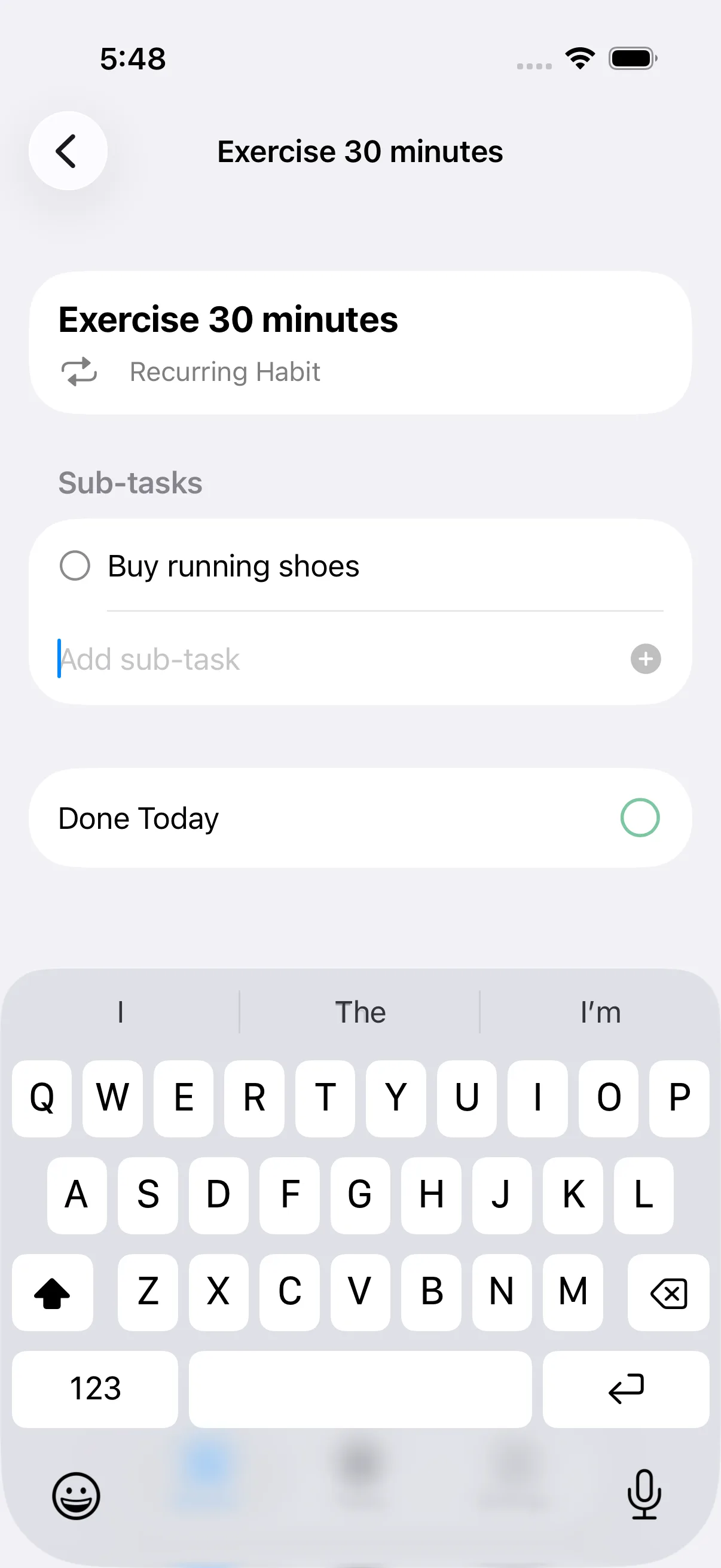
View and manage a single action: its sub-tasks, completion state, and habit status.
Add sub-task (submit)
Adds the sub-task you typed to this action's checklist and clears the text field. Disabled until you type something.
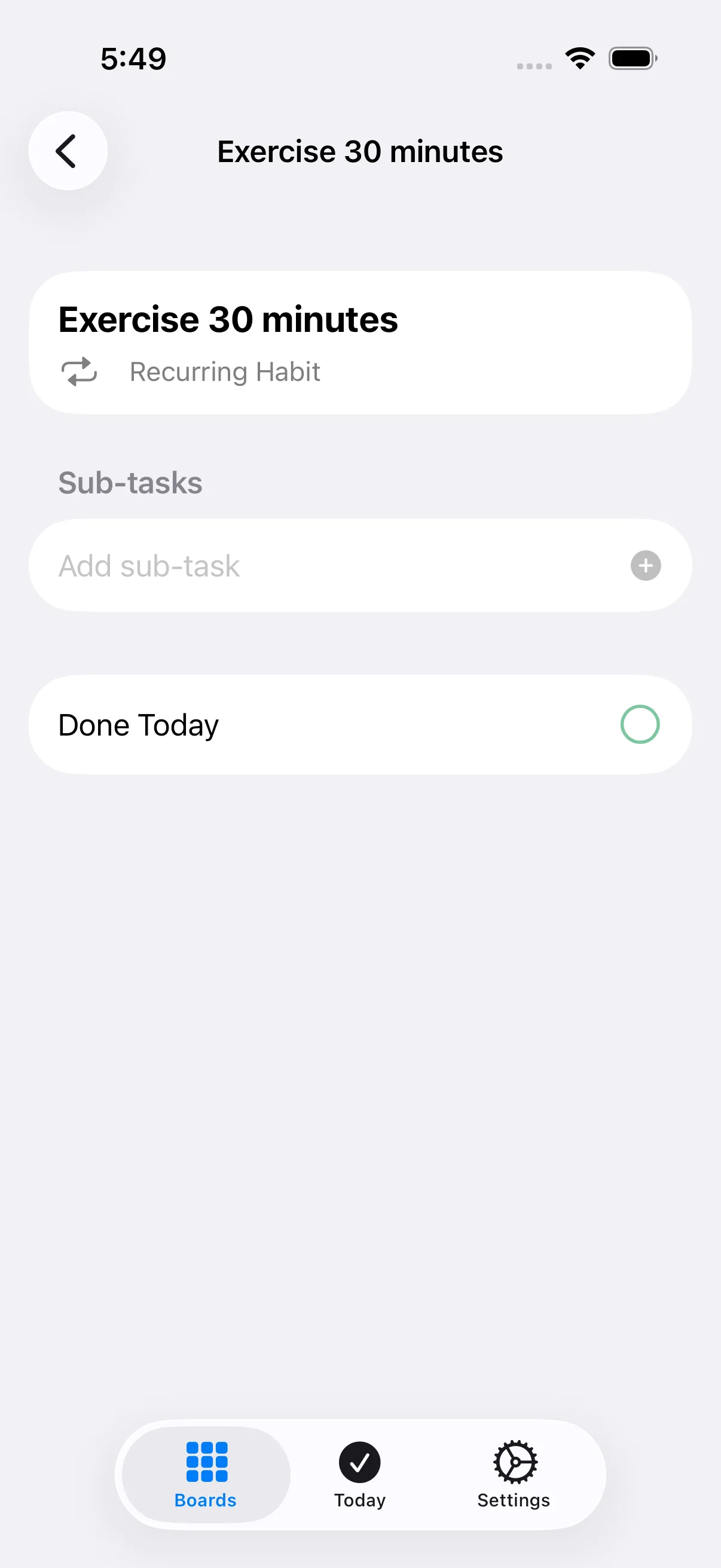
Add sub-task
Type a sub-task title here, then submit to add it to this action's checklist.
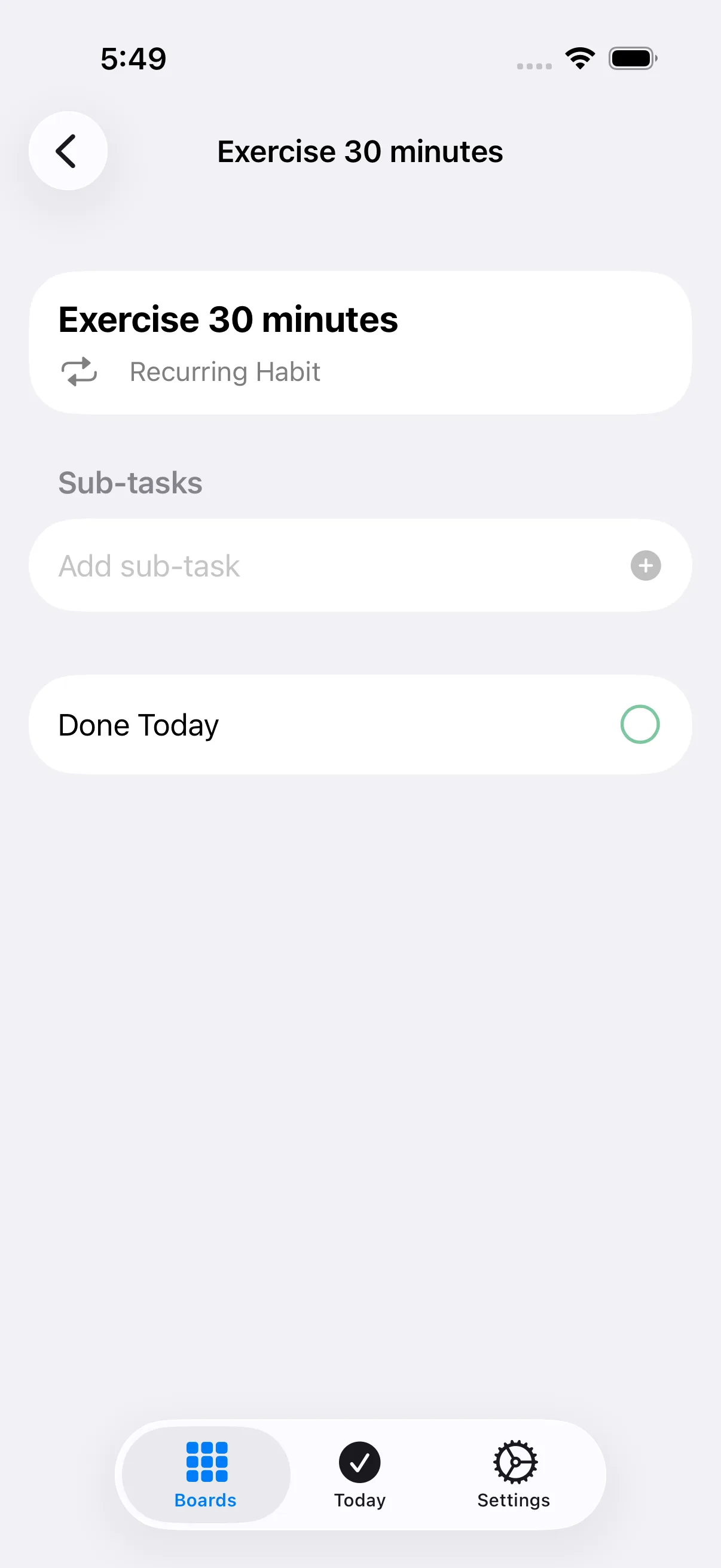
Mark Completed / Done Today
Marks this action done for today (or complete, for one-time actions). The checkmark fills in and a success haptic confirms it - tap again to undo.
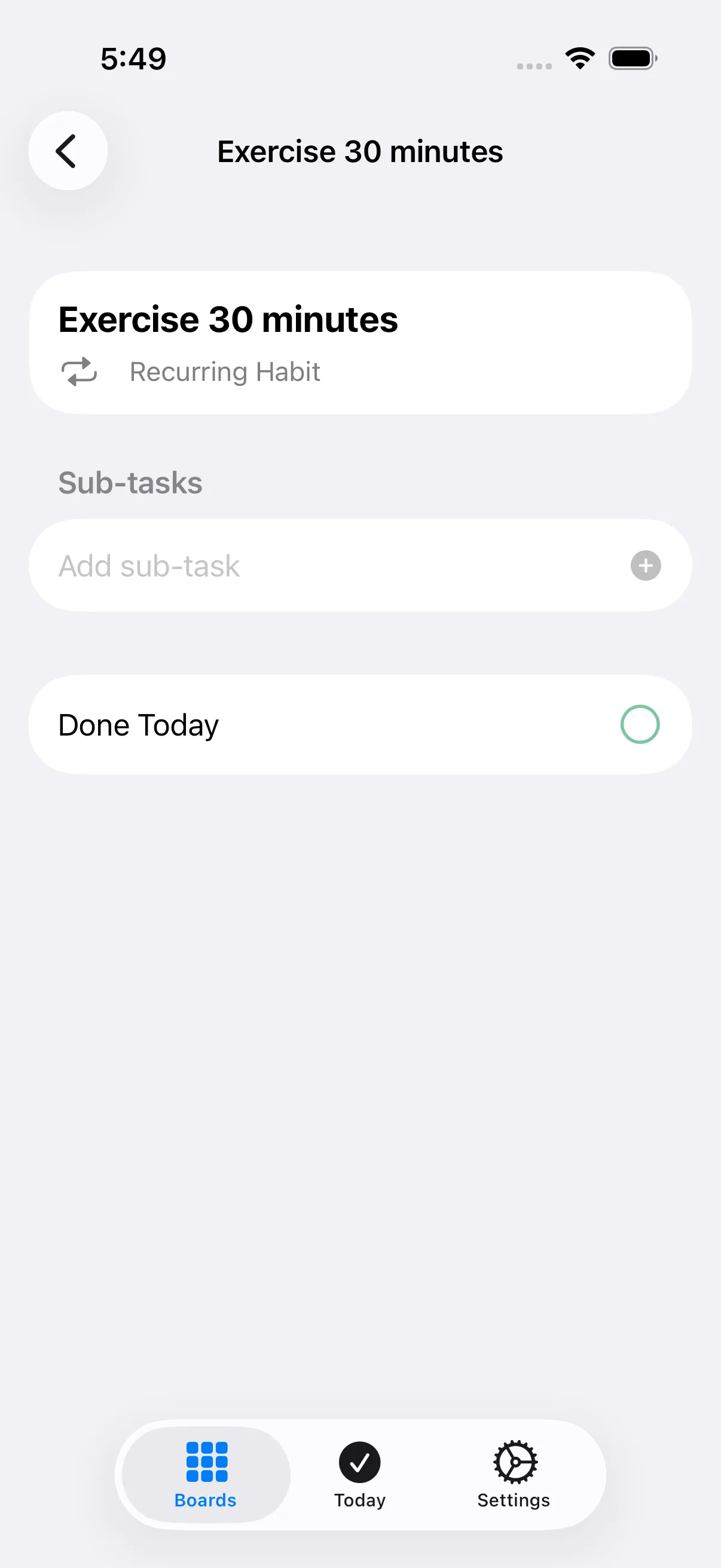
Todo completion toggle
Toggles a single sub-task between done and not done. Completed sub-tasks show a filled green checkmark and strikethrough text.