Docs / Harada Life Goals / Features
Boards List
Last updated
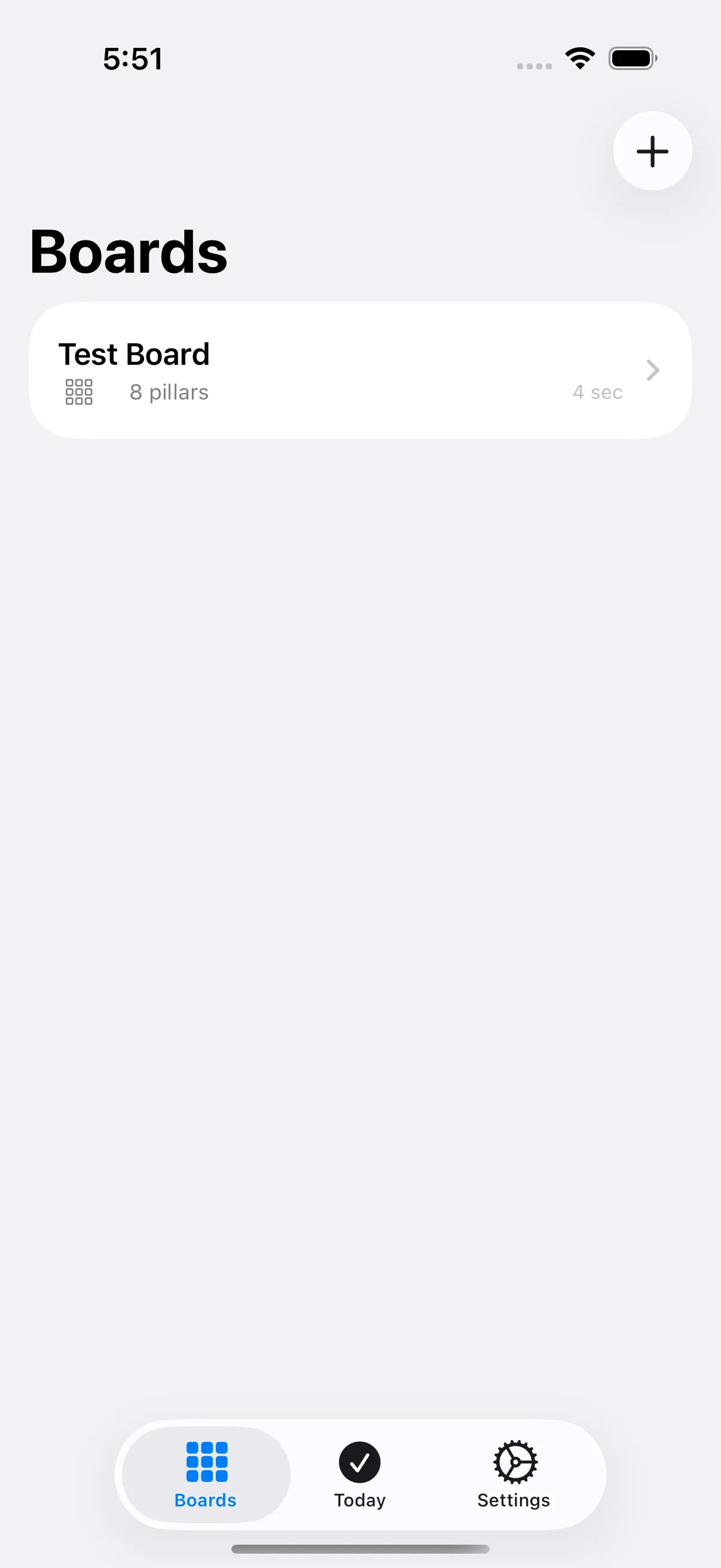
See all your goal boards, and create, open, or delete one.
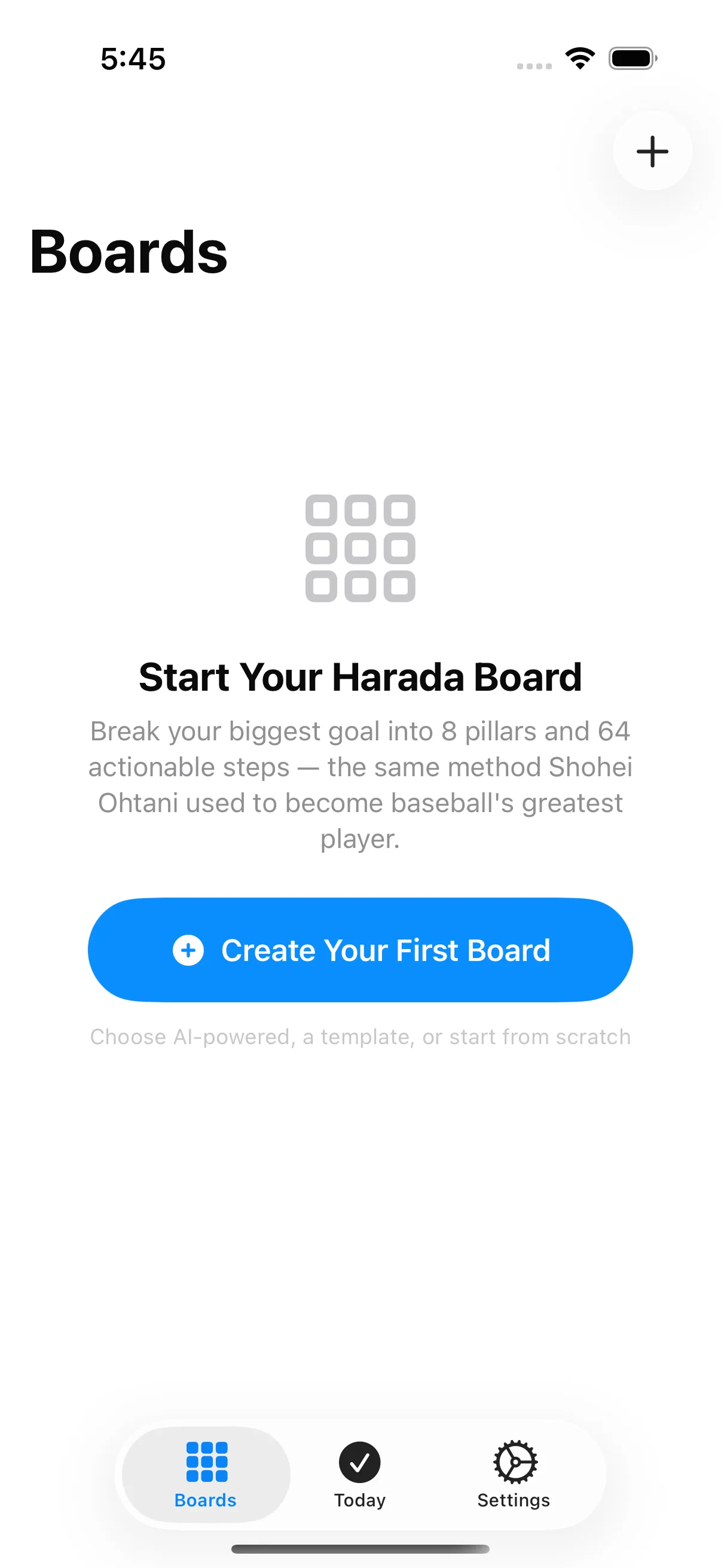
Create Your First Board
Starts your first board - opens the same choice of AI-powered, template, or blank board as the New Board button.
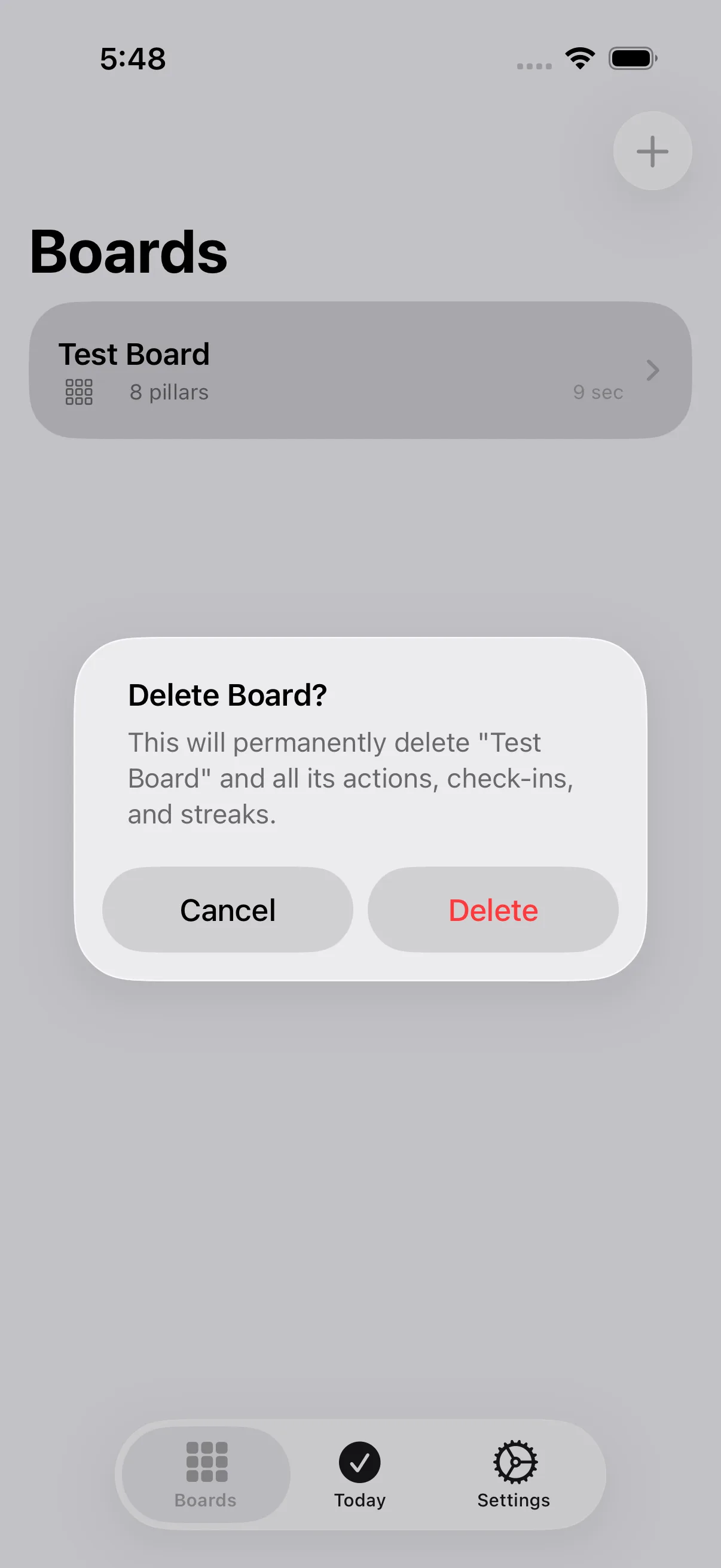
Cancel (Delete Board alert)
Cancels board deletion and keeps the board.
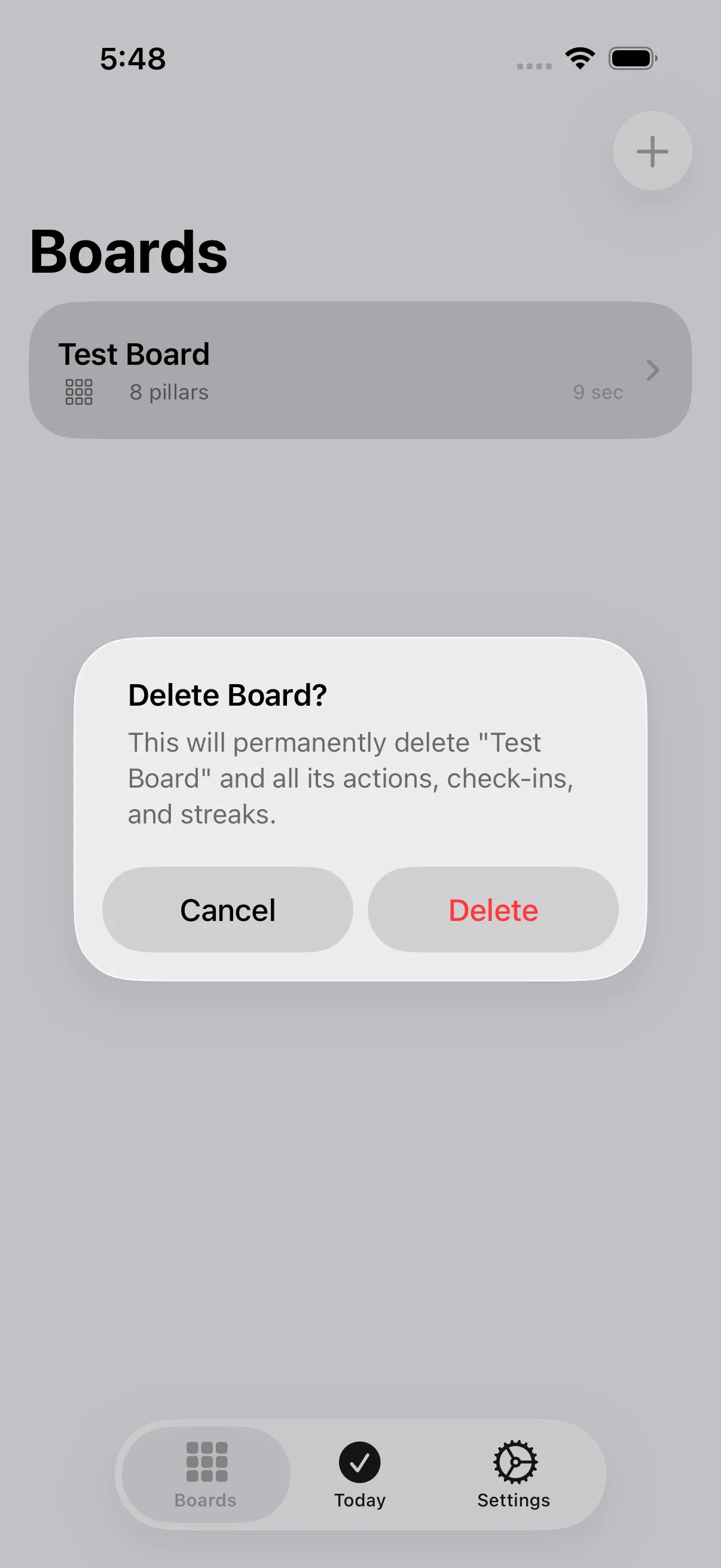
Delete (Delete Board alert)
Permanently deletes the board along with all its actions, check-ins, and streaks. This can't be undone.
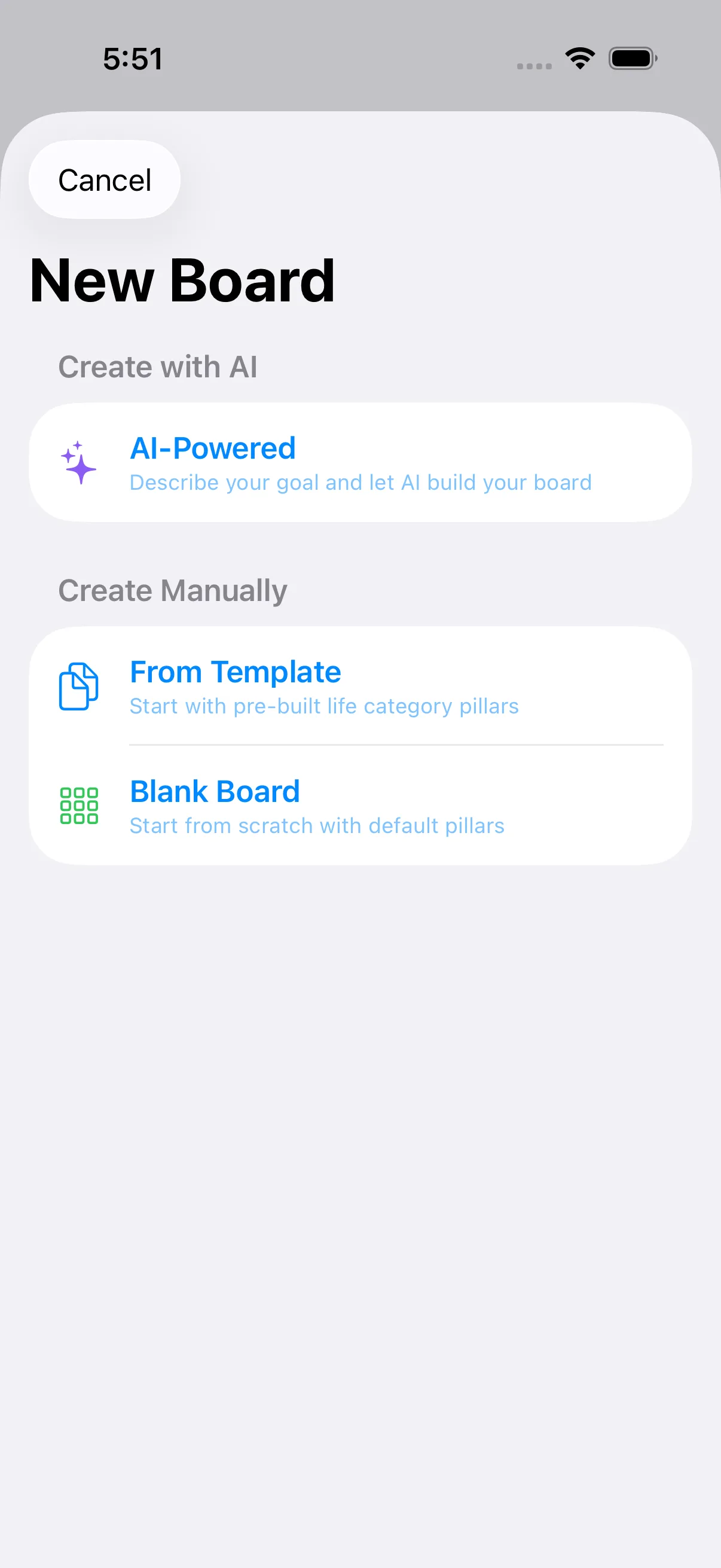
New Board sheet
Presents the New Board screen where you choose AI, template, or blank to start a new board.
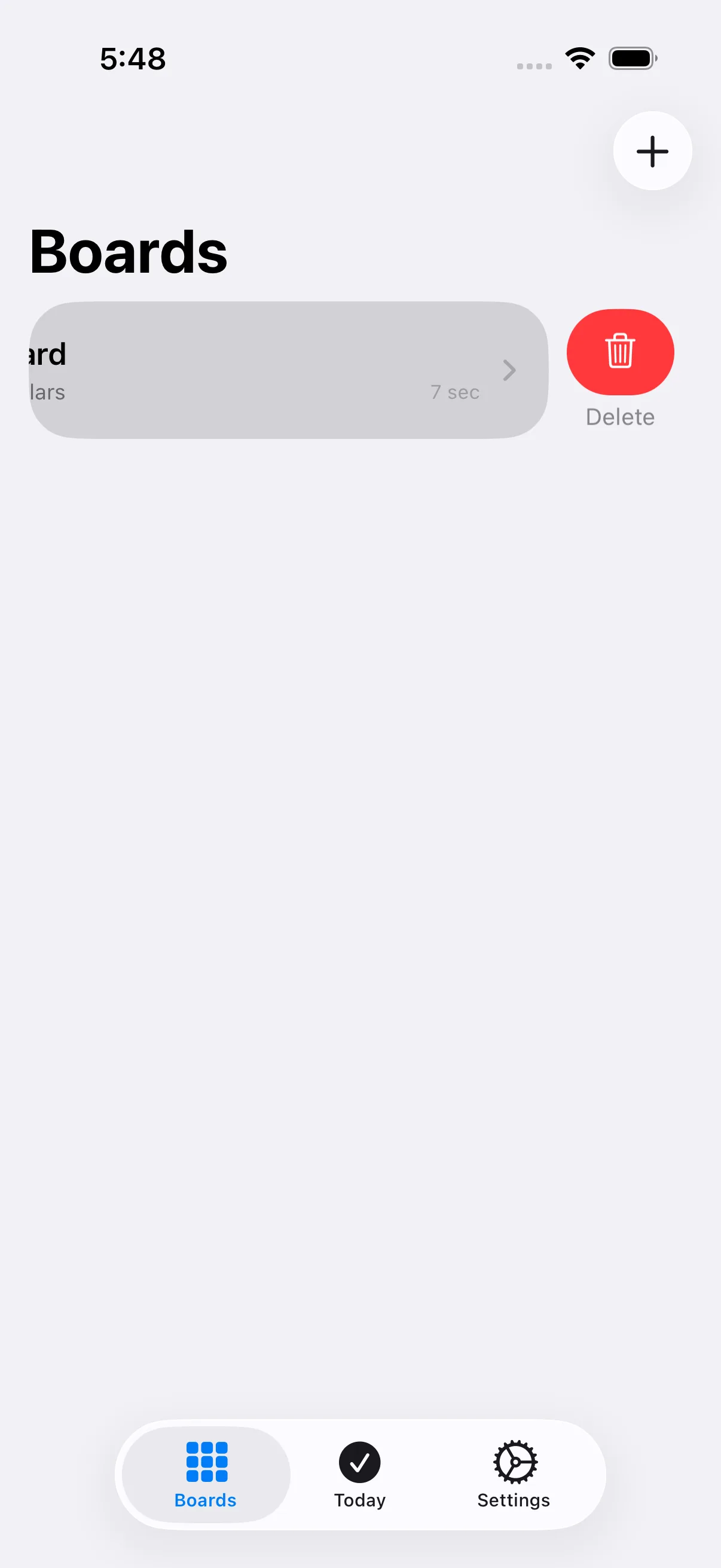
Delete (row swipe, system-provided)
Swipe left on a board row to reveal Delete, which opens the same delete-confirmation alert as elsewhere in the list.